
Key takeaways
- YouTube backlinks can mean links pointing to your videos or links from YouTube to your site; they work very differently.
- Links to a video help it rank in Google search and video results more than inside YouTube’s own search.
- Inside YouTube, watch time, clicks and engagement matter most; real referral views from embeds help those signals too.
- Links in YouTube descriptions and channel pages are nofollow: good for traffic and brand, weak for rankings.
- Avoid mass ping tools and “million free backlinks” offers; they add nothing and can attach your video to spam.
YouTube backlinks is a phrase people use for two different things. Some mean links pointing to their YouTube videos or channel. Others mean links from YouTube, such as the link in a video description, pointing to their website.
Both have a place, but neither works the way many sellers promise. Links to your video can help it rank in Google and attract real viewers. Links from YouTube send traffic but pass very little ranking power. Here is how each one works, which kinds are worth building and what to stay away from.
How YouTube videos actually rank
A video can rank in two places: YouTube’s own search and suggestions, and Google’s search results, including the video carousel and the Videos tab.
YouTube ranks videos mostly on viewer behavior: how often people click, how long they watch, whether they like, comment and keep watching other videos. External links are not a main signal inside YouTube.
Google is different. A YouTube video page is just another URL to Google, and it is scored partly by the links pointing to it, like any page. That is why a video with strong links from relevant articles can show up for searches it would otherwise miss. For the basics of how that link scoring works, see our beginner guide to backlinks.
Do backlinks to YouTube videos help?
Yes, in two ways.
First, links from trusted pages help the video URL rank in Google, which matters most for “how to”, review and tutorial searches where Google often shows videos.
Second, links and embeds on pages that get traffic bring real viewers. Those viewers watch, like and subscribe, which feeds the signals YouTube cares about. A video embedded in a popular article can gain steady views for years.
What does not help is a pile of links nobody clicks on pages nobody visits. Those add nothing inside YouTube and very little in Google.
Which YouTube backlinks are worth building
| Link type | Helps in Google | Helps in YouTube |
|---|---|---|
| Video embedded in a relevant, indexed article | Yes | Yes, through real views |
| Contextual text link to the video in a blog post | Yes | Some, if the page gets traffic |
| Link to your channel page from your own site | Some | Some, builds subscribers |
| Social shares and community posts | Little | Yes, if people watch |
| Mass ping and auto generated links | No | No |
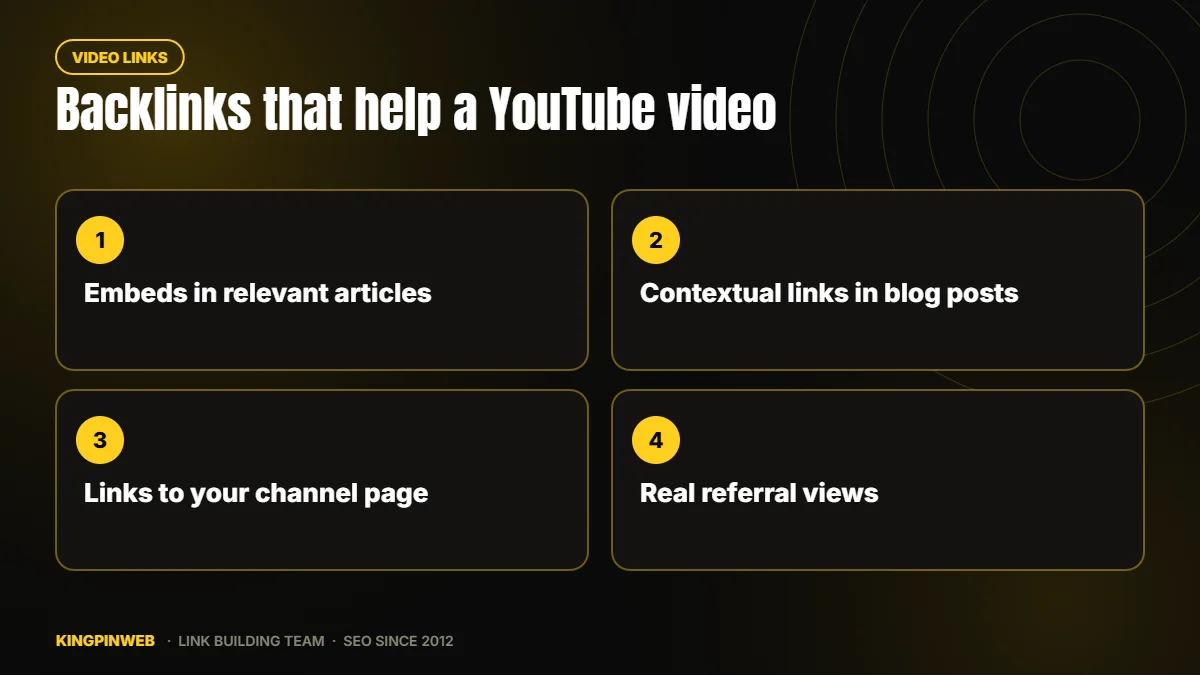
The best combination is an embed plus a short text link, inside an article that genuinely relates to the video. That gives Google a link with context and gives readers a reason to press play.
Guest posts and niche edits on real sites with traffic are a natural fit for this. When we place a client’s link in a handwritten article, the video can be embedded and linked in the same post. You can order that kind of placement through our link building services.
Backlinks for your YouTube channel
Links to a channel page work much like links to a homepage. They help the channel show up for brand searches and build general trust, but they rarely push individual videos up the rankings.
For most creators and businesses, it pays to point most links at the specific videos you want to rank, and use the channel link on your own website, author bios and social profiles.
Backlinks from YouTube to your website
Links in video descriptions, pinned comments and the channel’s “links” section are all nofollow. Google treats them as hints and they pass little ranking value on their own.
That does not make them useless. They can send a steady flow of visitors who already trust you, and they add a natural brand signal to your link profile. Every business with a channel should link its site from the description of every video. Just do not count on those links to lift your rankings.
How many backlinks does a video need?
There is no fixed number. It depends on how many strong pages already compete for the search and whether Google shows videos for it at all. Check the results first: if a search shows a video carousel, a well linked video has a real chance.
For a low competition tutorial, a few contextual links and embeds on relevant, indexed articles are often enough to get noticed. For busy topics, plan a steady flow over several months rather than a single burst.
Quality beats volume every time. One guest post on a real site with traffic, with your video embedded and linked, usually does more than hundreds of automated links.
Free YouTube backlinks: what to avoid
Search for “free YouTube backlinks” and you will find tools promising a million backlinks for your video in minutes. These usually work in one of a few ways:
- Mass ping services that hit hundreds of indexing and “stats” sites with your URL.
- Auto generated pages on worthless domains that list thousands of video links.
- Comment and profile spam dropped onto forums and blogs by software.
Google ignores these links. At best they waste your time; at worst they tie your video and brand to spam sites. The same goes for bought views and fake engagement, which YouTube actively filters and can punish.
If you are starting from scratch, our link building for beginners guide explains the links worth building first and why volume alone does not help.
A simple YouTube backlink plan
- Optimize the video first. A clear title, a useful description and good retention make every link work harder.
- Embed it on your own site. Put the video in the most relevant blog post or service page and link to it.
- Get it into relevant articles on other sites. Guest posts and niche edits with an embed and a contextual link.
- Support those articles. Foundation links pointing at the posts that host your video help Google find and trust them.
- Track Google rankings and YouTube views separately. They respond to different signals and move at different speeds.
FAQ
Should a YouTube video and a blog post target the same keyword?
They can. Google often shows a video and an article for the same search, so embedding the video in the post and linking both can help you hold two spots on the page.
How long do backlinks take to affect a video?
Google needs to crawl the linking pages first, which can take days or weeks. Ranking changes in Google search usually show over the following one to three months.
Can backlinks hurt a YouTube video?
Spam links rarely hurt directly because Google ignores them, but fake views and bot traffic can trigger YouTube’s filters. Stick to links on real pages with real readers.
Want links that bring your videos real viewers?
We place links and embeds inside handwritten articles on real, indexed sites, and we have done it since 2012. See our backlink packages to get started, or ask our team about a plan for your channel.
About the author

KINGPINWEB Team
KINGPINWEB is an SEO and link building company based in Chennai, India. Since 2012 our in-house team has helped site owners, agencies and businesses rank higher in search. Everything we publish here comes from hands-on work: campaigns we run, rankings we track every day and tests we carry out ourselves. We write these guides to share what works in practice. Our team is led by co-founders Issac M. Paul and Balaji Ragupathi.
Related reading
 Types of Backlinks and Which Ones Move RankingsRead article
 Backlink Exchange: Why Link Swaps Can Hurt Your SiteRead article
 Edu Backlinks and Gov Backlinks: Are They Worth Chasing?Read article
 Link Building for Beginners: Where to StartRead article
 Google Backlinks: How Google Judges the Links to Your SiteRead article
 Authority Backlinks: What Makes a Link PowerfulRead article
 A Link Building Strategy for Small BusinessesRead article
 How to Get Backlinks: Ways That Still Work in 2027Read article
 What Are Backlinks? How They Work and Why They MatterRead article